The Best Fluffy Pancakes recipe you will fall in love with. Full of tips and tricks to help you make the best pancakes.
At one point or another, we’ve all experienced that familiar, nagging guilt associated with having several “someday” tasks accumulating into a who-knows-how-long pile of sticky notes on the edge of your monitor, crumpled-up pieces of paper at the bottom of your bag and paper clutter all around your physical workspace.
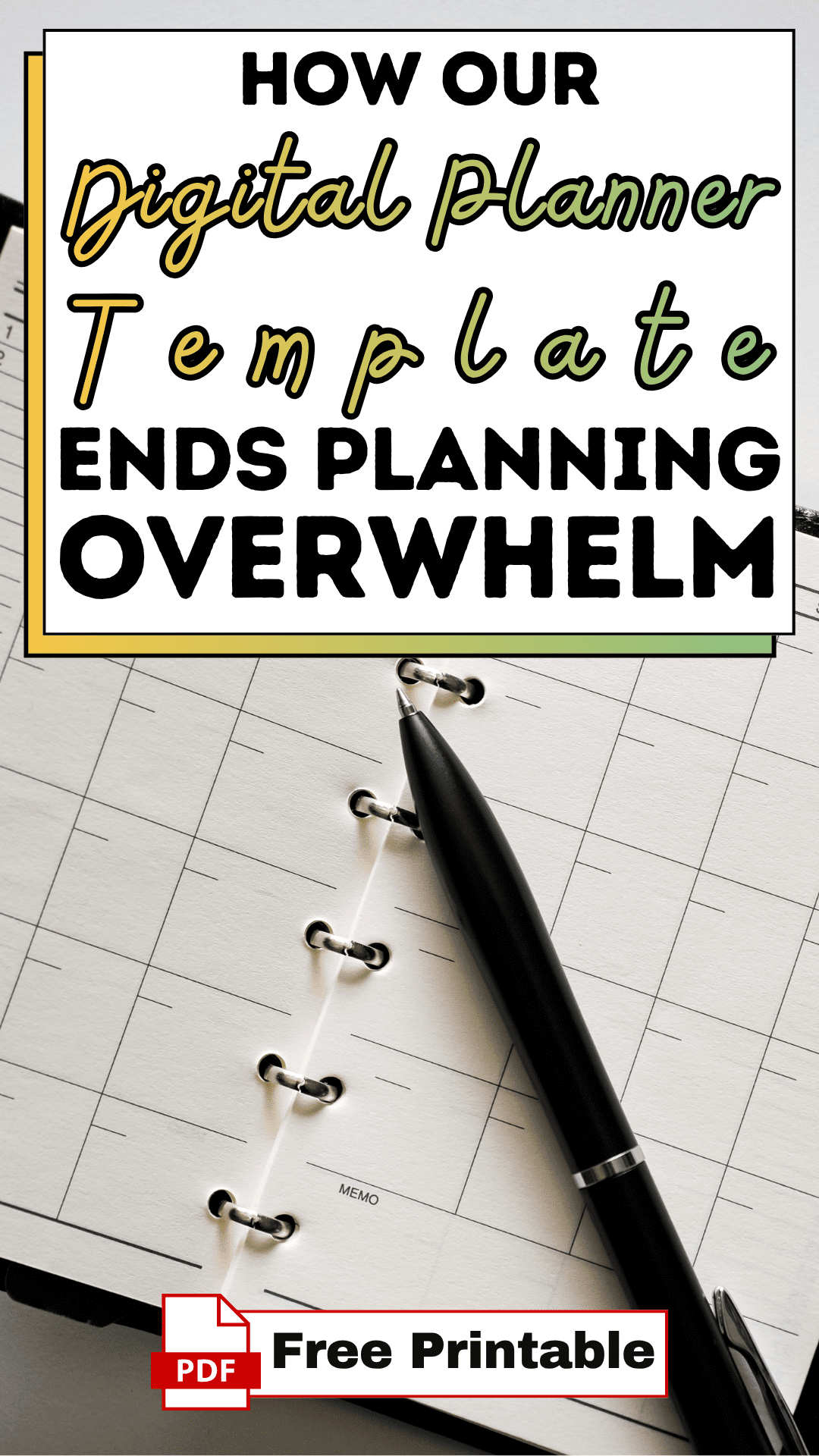
The mental overwhelm of wanting to organise your most important goals with paper often collides with the reality of a busy, on-the-go work schedule. In addition to potentially overwhelming your mind, paper planners can often make you feel heavier and burdened by your “to-dos”, leaving you searching for your most productive hours lost within a very noisy, very busy life.
This particular digital planner template came about during a very crazy time when I found myself with ideas scattered across many devices and half-empty notebooks littering my surroundings. While I was drowning in the physical mess created by traditional planners, I was also missing the sophistication and tactile experience of using my digital device to help me manage my life.
I discovered that the key to living luxuriously and intentionally wasn’t necessarily having more paper products, but rather, creating a simple, well-rounded approach to life. I needed a way to link my digital device to the actual process of getting organised; a way to manage my schedule free from having to carry around additional weight and clutter.
How to Use the Digital Planner Template
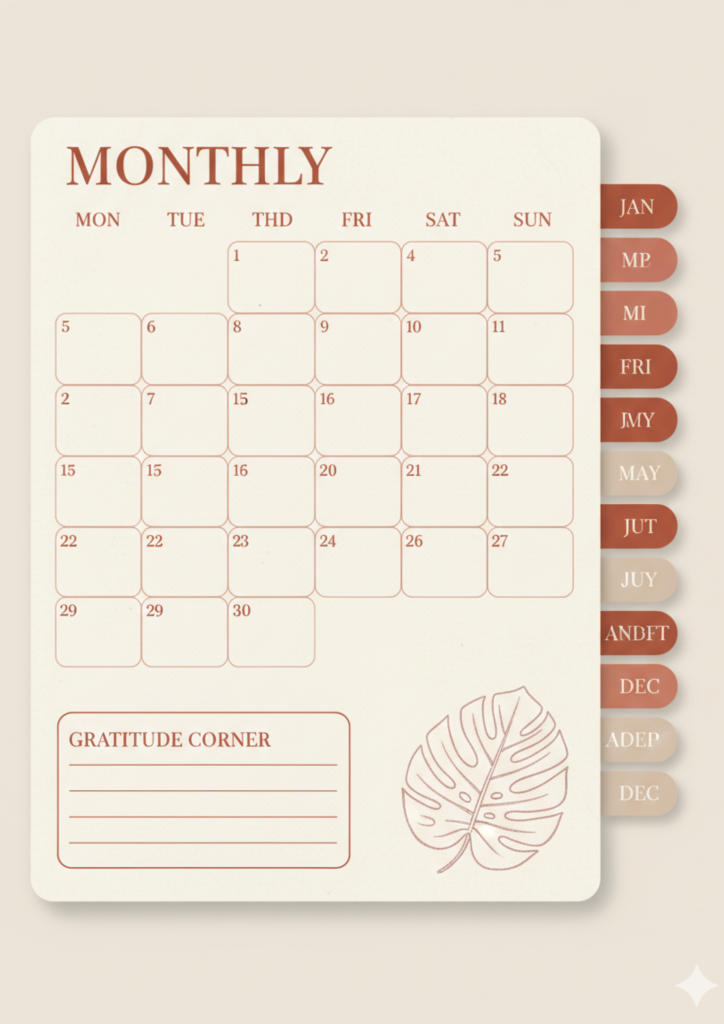
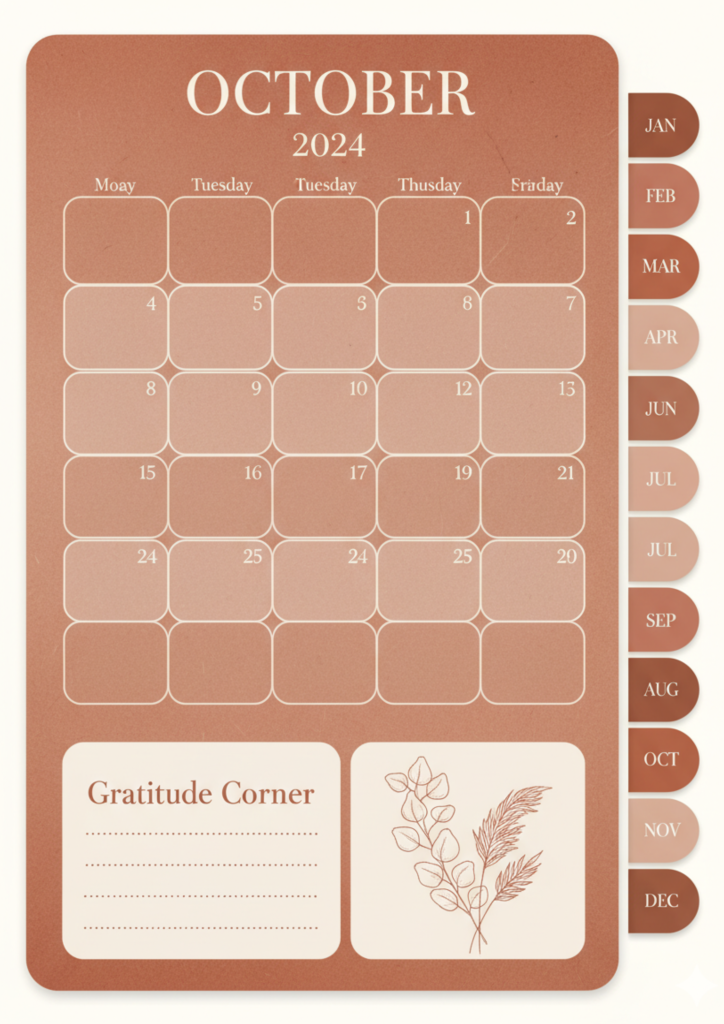
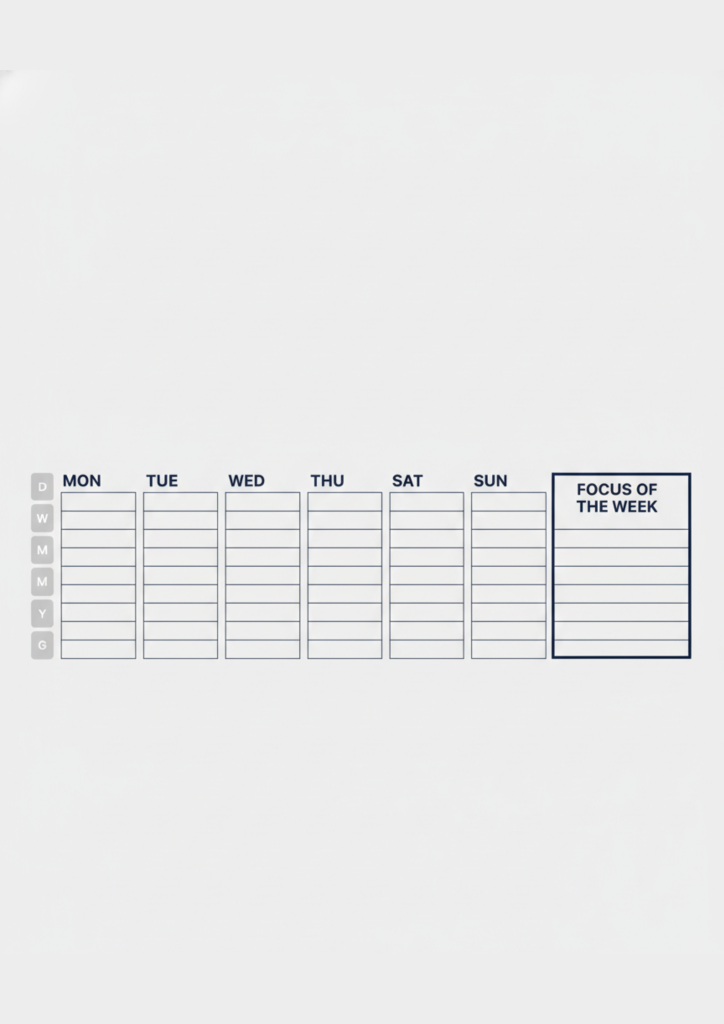
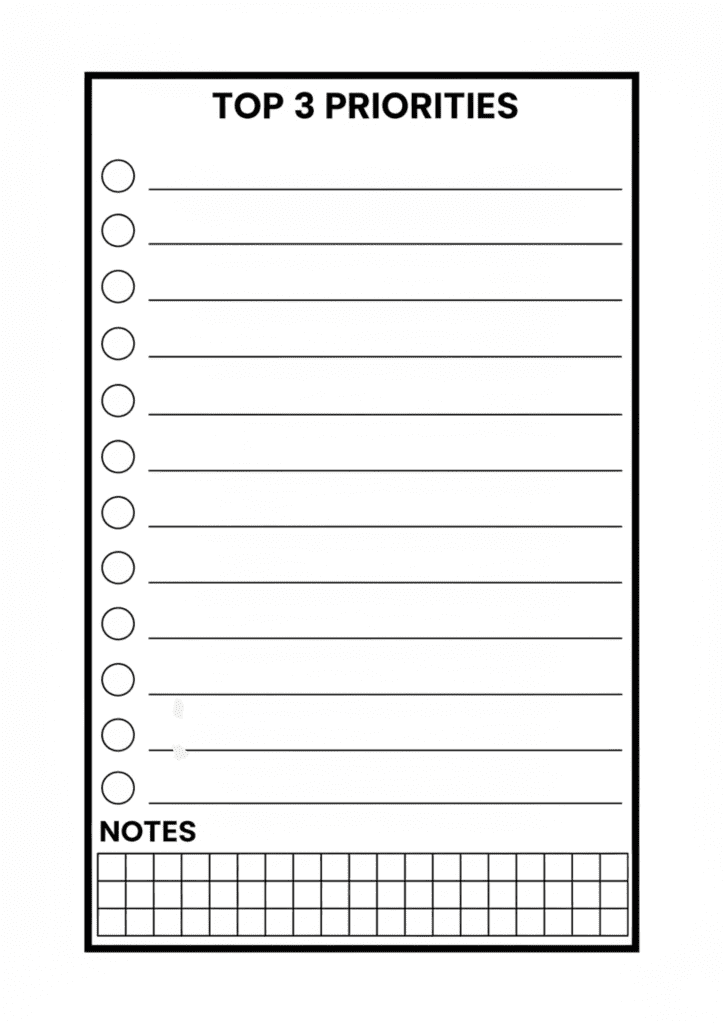
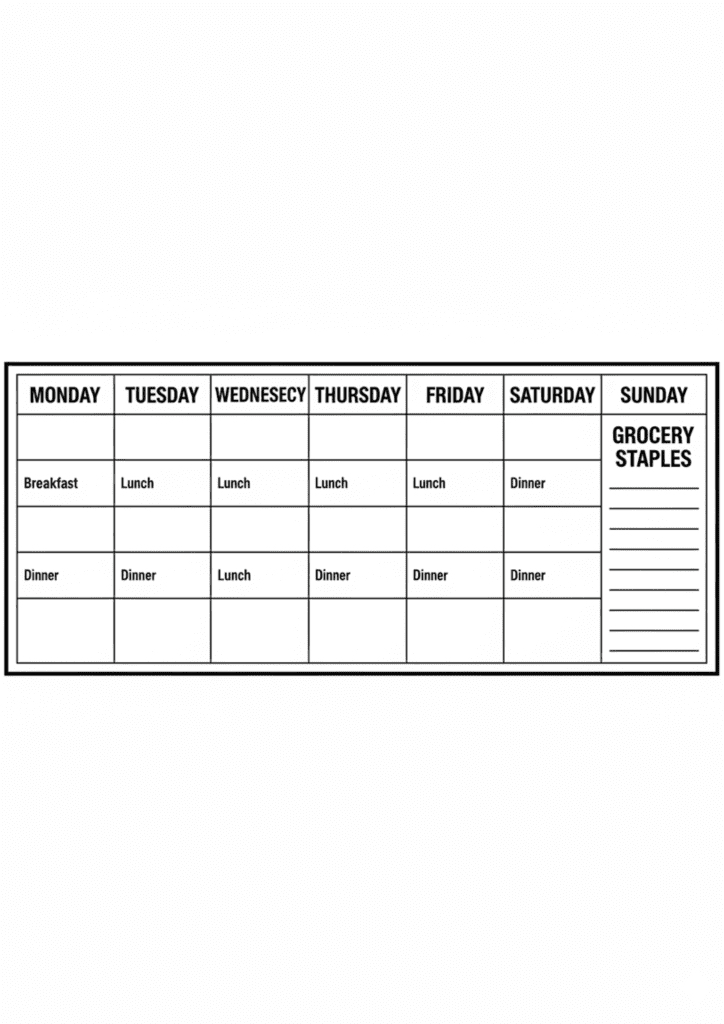
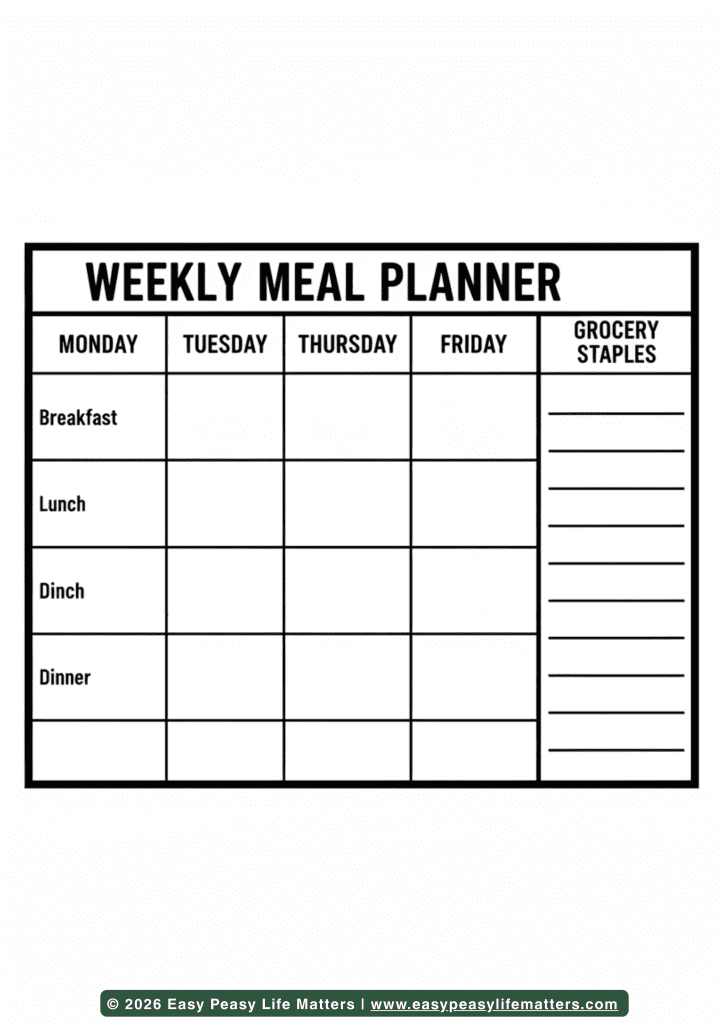
Transitioning from a cluttered mind to a concrete, beautiful workflow is effortless when you follow a structured, intentional sequence.
Step 1: Download & Print
Once you access the digital library at Easy Peasy Life Matter, save the digital planner template files to your dedicated Digital Assets folder. While this tool is optimised for your tablet, we recommend a “soft print” approach, opening the high-resolution files on your primary screen to audit the layouts that resonate with your current project. Having these visual elements ready to import immediately signals to your nervous system that the organising phase has begun, allowing you to shut out the noise of external notifications.
Step 2: Customise in Canva or Pen
Every professional journey is unique, and your planning tools should reflect that individuality. If you prefer a digital-first approach, you can import the digital planner template assets into Canva to layer your custom branding, adjusting transparency or scale to create elegant typography and layouts. For those who enjoy a hybrid touch, the minimalist design of the digital planner template is perfect for adding hand-drawn annotations using your stylus. Use the clean margins of your digital pages to jot down dates or locations, ensuring the tool fits your life domain perfectly.
Step 3: Implement into Your Routine
Consistency is the secret ingredient to a meaningful schedule. Set a Strategy Hour on Sunday evenings. Place your tablet on your desk along with a calm cup of tea and your digital planner template. By making your goal-tracking visible and tactile on the screen, you empower yourself to process your responsibilities with total clarity. The digital planner template becomes a living roadmap of your week, ensuring you end each cycle with a sense of gratitude rather than a blur of forgotten tasks.
Designer Tips for a Digital Planner Template
3 “Secret” Ways to Use the Printable
- The Hyperlinked Indexing Hack: Use the digital planner template to create a “Master Life Hub.” By duplicating specific pages and labeling them for different domains—such as financial goals and creative projects you create a high-end, cohesive system that keeps your entire life in one streamlined file.
- The Goal-Setting Anchor: Use the dedicated focus sections within the digital planner template to highlight your top three non-negotiables for the day. Seeing your priorities surrounded by minimalist design acts as a constant, elegant reminder of the life you are actively curating.
- The Monochrome Aesthetic: Convert your digital planner template view to a monochrome palette if you find yourself easily distracted by color. This creates a sophisticated, minimalist vibe that allows your important notes to pop while maintaining a cohesive, curated layout across your entire digital notebook.
3 Common Mistakes People Make When Organising with Paper
- The Perfectionism Trap: Do not wait for the “perfect” day to start using your digital planner template. A messy, authentic plan is always more valuable than a “perfect” digital folder that remains empty because you were afraid to make a digital “mark.”
- Ignoring White Space: A premium aesthetic requires room to breathe. Avoid the urge to over-crowd every square inch of your digital page. Let the minimalist design of the digital planner template guide the eye toward your primary focus.
- The App Hopping Fatigue: To maintain a high-end look and mental clarity, pick one primary app (like GoodNotes or Notability) to house your digital planner template. Constant switching between platforms causes visual noise and detracts from the serene experience of planning.
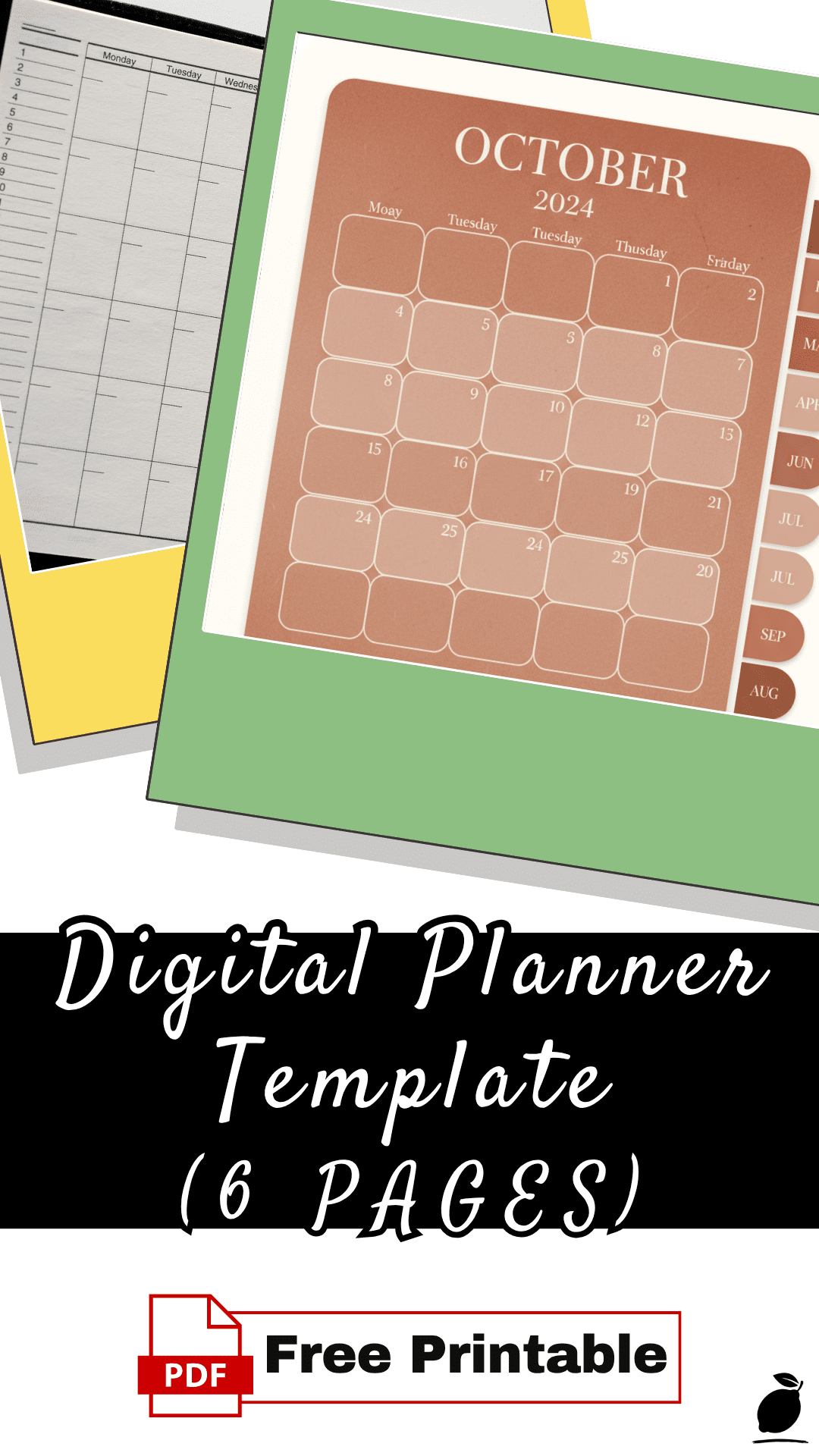
Download Your Digital Planner Template
Why This System Matters
In a world that is increasingly dominated by fleeting pings and temporary notifications, the act of deliberate, analogue-style digital planning is a vital grounding mechanism. When you engage with a structured digital planner template, you are practising more than just time management; you are building a deeper relationship with your own productivity. The tactile feedback of the stylus and the deliberate act of “writing” require a level of presence that a standard, automated calendar app simply cannot replicate.
For the modern professional, this system reduces the decision fatigue that leads to mental overwhelm. Knowing you have a high-quality, aesthetically pleasing digital planner template ready to guide you allows you to breathe. Moving your tasks from a state of “mental clutter” to a physical (digital) page clears your mental RAM, reducing cortisol levels and allowing you to show up more fully in your creative and personal life. This is the core of our philosophy: simplifying the process to protect your peace of mind.
FAQ
What are the best printing sizes for the digital planner template?
While these are optimised for 300 DPI digital use on tablets, the digital planner template is provided in high-resolution formats that can be scaled to fit standard US Letter or A4 sheets if you choose to print a physical copy for your desk.
Which paper types do you recommend for the digital planner template?
If you decide to take these digital assets into the physical world, we suggest using a 32lb bright white paper. This ensures the digital planner template feels substantial in your hands and prevents ink bleed, which is essential if you want your planner to maintain a professional, high-end finish.
Can I use the digital planner template on my tablet?
Absolutely. This is the primary design intention. You can import the PDF of the digital planner template directly into apps like GoodNotes, Notability, or Xodo. Using a stylus to fill in your pages offers the same psychological benefits of “curating your life” while keeping your creative library entirely paperless and organised.