We have all felt that specific, modern weight of “digital density” the feeling of being constantly “on” yet remarkably unproductive. My desk used to be a graveyard of half-formed ideas and frantic sticky notes, a visual representation of the mental overwhelm that comes from trying to track a million moving parts in a digital vacuum and this butterfly template. I realized that my brain wasn’t failing; it was simply drowning in a sea of notifications and paper clutter that had no designated “home” or purpose.
The breaking point arrived on a Tuesday afternoon when I couldn’t distinguish my high-priority goals from the background noise of my environment. I needed a bridge a way to take the fleeting, chaotic thoughts fluttering around my mind and pin them down into something tangible and beautiful. I didn’t need another complex project management app; I needed a simple, tactile anchor that invited a sense of lightness back into my workflow.
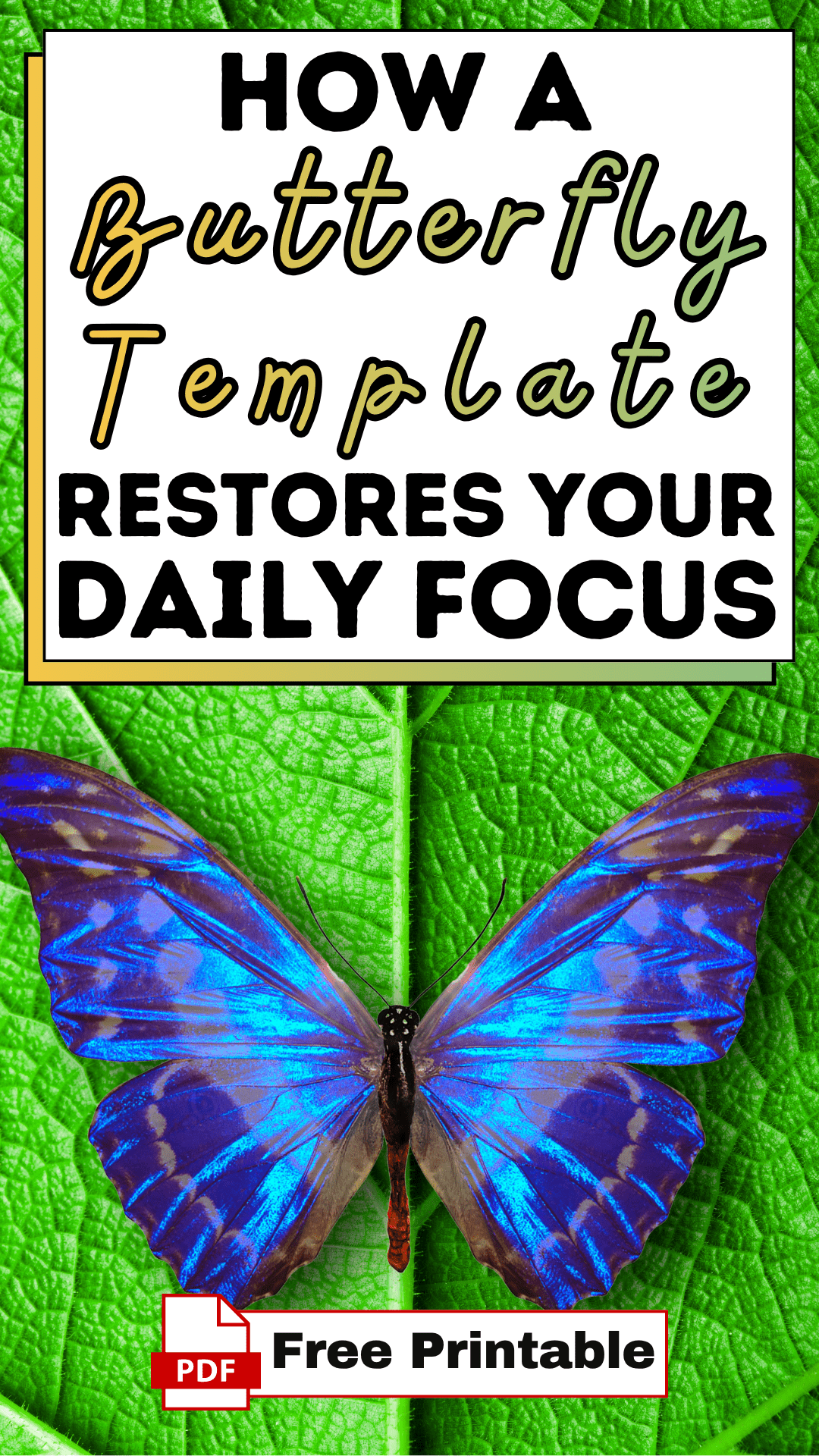
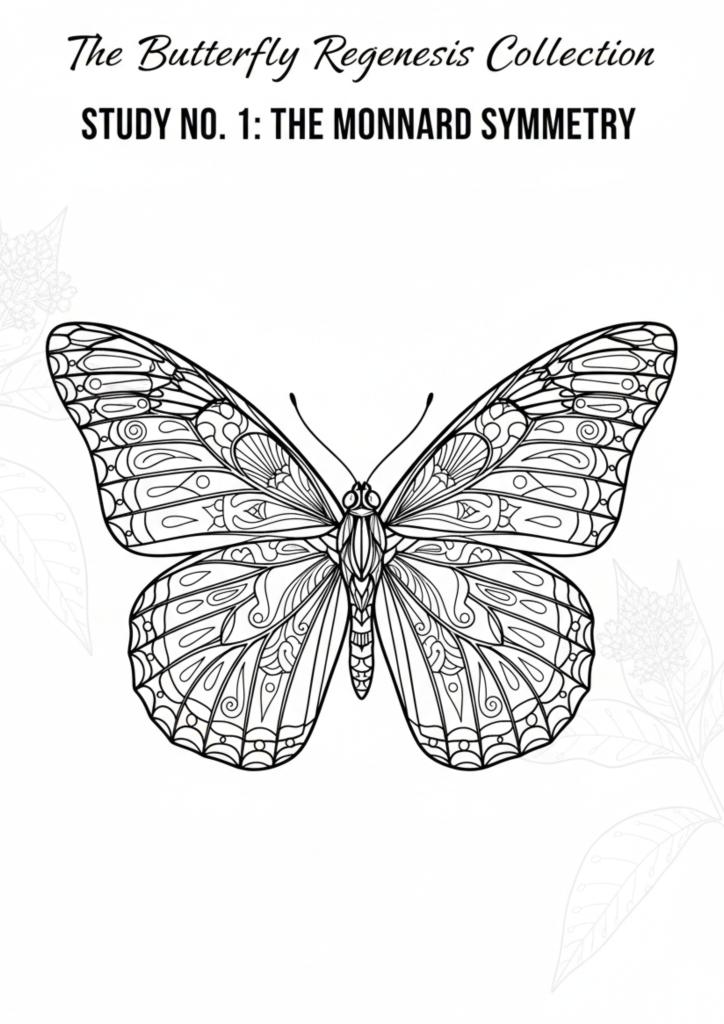
That is why I developed this butterfly template. It was born from the need to transform “scattered” into “structured” without losing the grace of creativity. By integrating this tool into the Easy Peasy Life Matter ecosystem, we are helping you reclaim your cognitive space. This isn’t just a shape on a page; it is a strategic framework designed to help you organize your thoughts with the same symmetry and ease found in nature.
How to Use the Butterfly Template
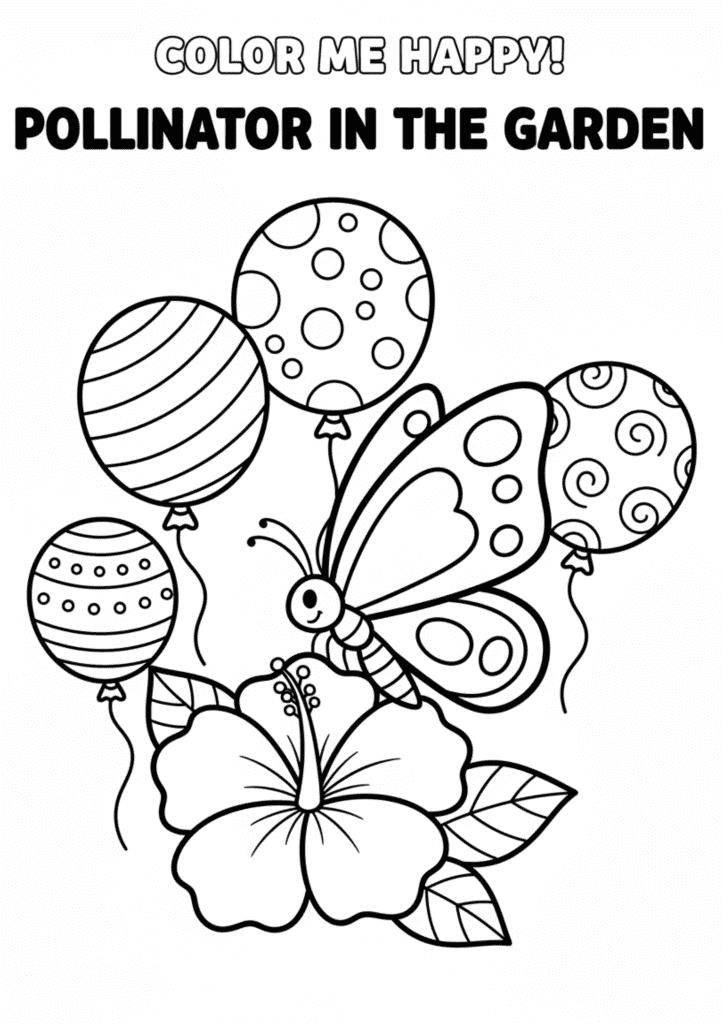
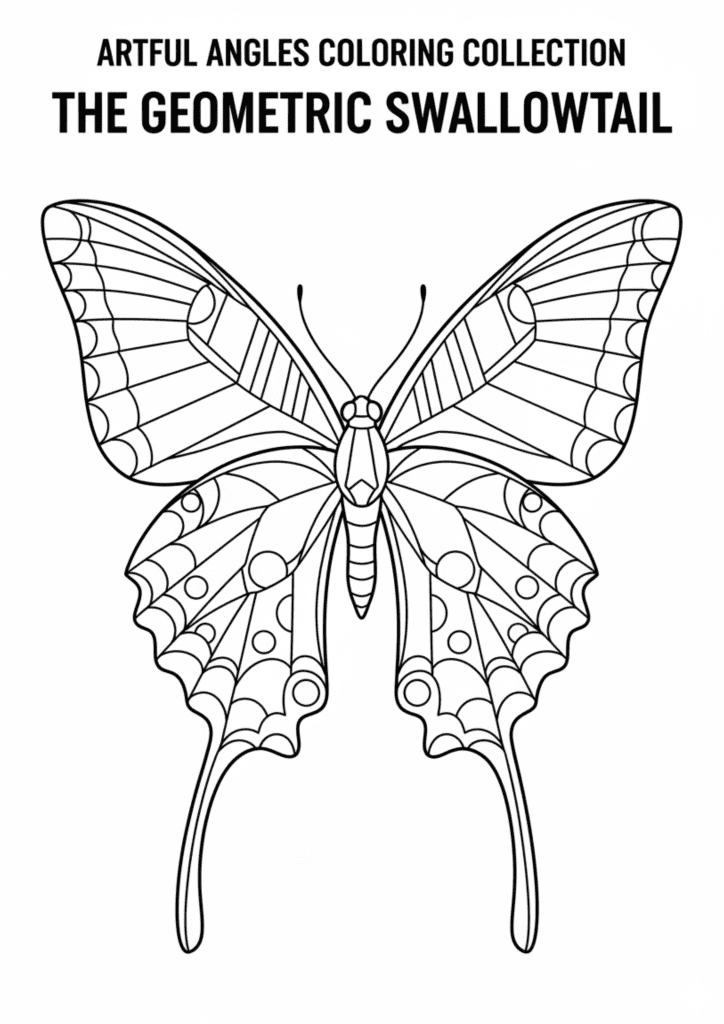
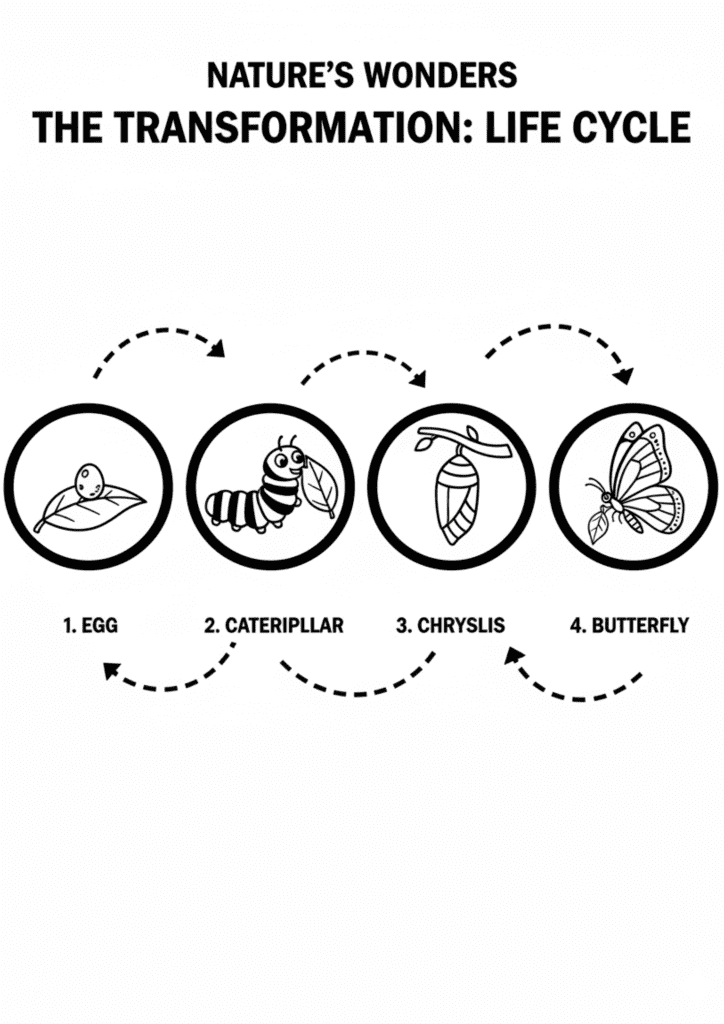
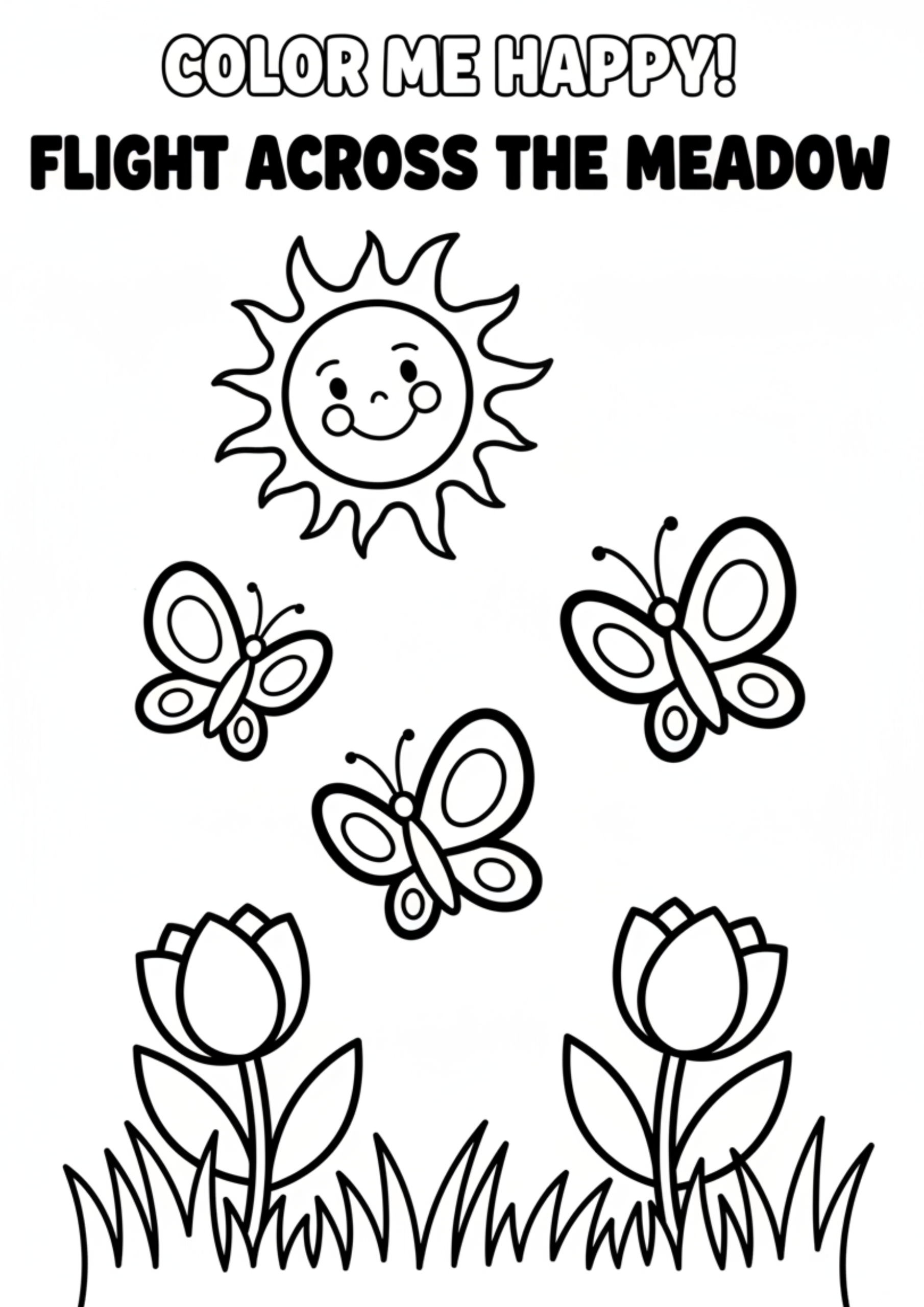
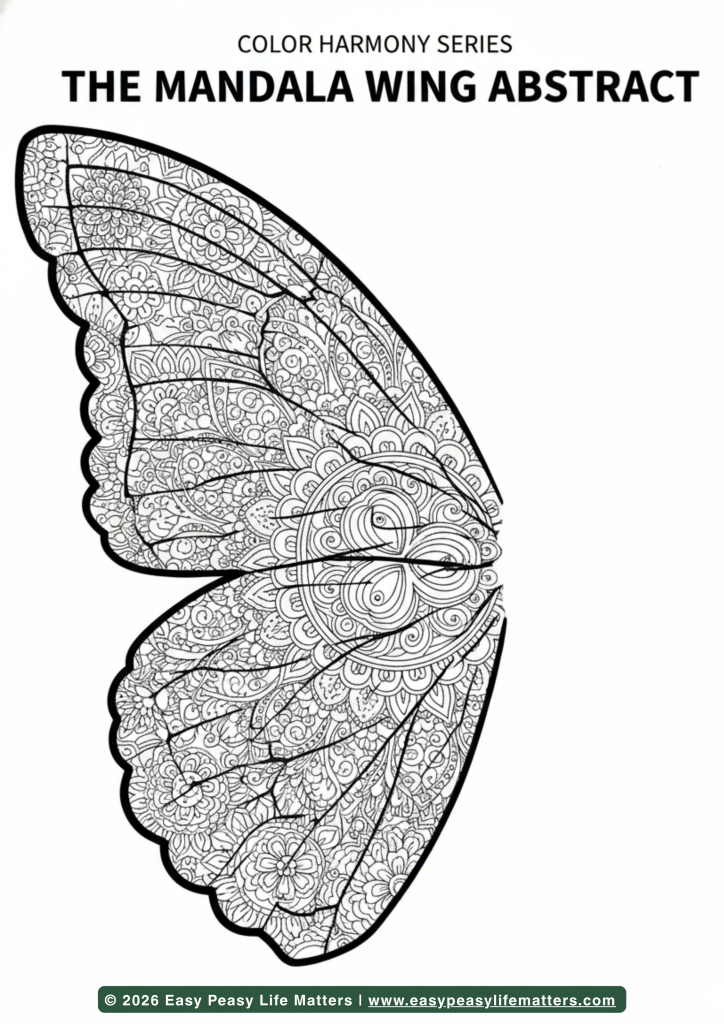
To move from overwhelm to organized, you need a workflow that feels like a ritual rather than a chore. Follow these three intentional steps to integrate the butterfly template into your lifestyle.
Step 1: Download & Print
Access your butterfly template from the Easy Peasy Life Matter premium portal. For a truly high-end experience, I recommend printing on a 32lb bright white paper or a light cardstock. The heavier weight provides a “premium” tactile response, signaling to your brain that the work you are about to do on this page is valuable and worthy of your undivided attention.
Step 2: Customize in Canva or Pen
Your journey is unique, and your tools should be too. Before printing, you can pull the butterfly template into Canva to add personalized categories to the wings perhaps “Growth” on the left and “Release” on the right. If you prefer the analog method, use a high-quality archival pen to hand-letter your intentions within the wing segments. This act of customization turns a static printable into a bespoke reflection of your current mental state.
Step 3: Implement into Your Routine
The butterfly template works best when used as a “transition tool.” Place it on your desk at the end of your workday to “download” the lingering tasks of the day, or use it during your morning coffee to map out your primary focus areas. By making this a predictable part of your routine, you create a “closed-loop” system for your thoughts, preventing them from fluttering back into your mind when you are trying to rest.
Designer Tips for butterfly template
As a strategist, I look for ways to maximize the utility of every asset. Here is how to elevate your use of the printable while avoiding common organizational pitfalls.
3 “Secret” Ways to Use Your Printable
- The Symmetrical Priority Map: Use the left wing for “Inward Tasks” (self-care, learning, reflection) and the right wing for “Outward Tasks” (meetings, emails, errands). The natural symmetry of the butterfly template ensures you are maintaining a balanced life-load.
- The Visual “Wall of Wins”: Print the butterfly template at a smaller scale, color it after completing a major project, and pin it to a dedicated corkboard. Over time, your wall becomes a vibrant gallery of your personal metamorphosis and productivity.
- The Mindful Bookmark: Cut out the template after filling it with your monthly goals and use it as a bookmark in your current read. This keeps your highest intentions in your hands daily, serving as a gentle, non-intrusive reminder of where you are headed.
3 Common Mistakes People Make When Organizing with Paper
- The “Stacking” Syndrome: People often print templates and leave them in a loose stack. This creates visual noise. Always house your butterfly template in a dedicated slim-profile binder or on a minimalist clipboard.
- Over-Decoration: While it is tempting to spend hours coloring, don’t let the “aesthetic” become a form of procrastination. Use color strategically to highlight priorities, but keep the focus on the data and the “brain dump.”
- Low-Resolution Printing: Printing in “Draft” mode saves ink but kills the psychological “premium” effect. High-quality lines lead to high-quality thoughts; always print at the highest resolution to maintain the crisp, professional feel of the brand.
Download Your Butterfly Template
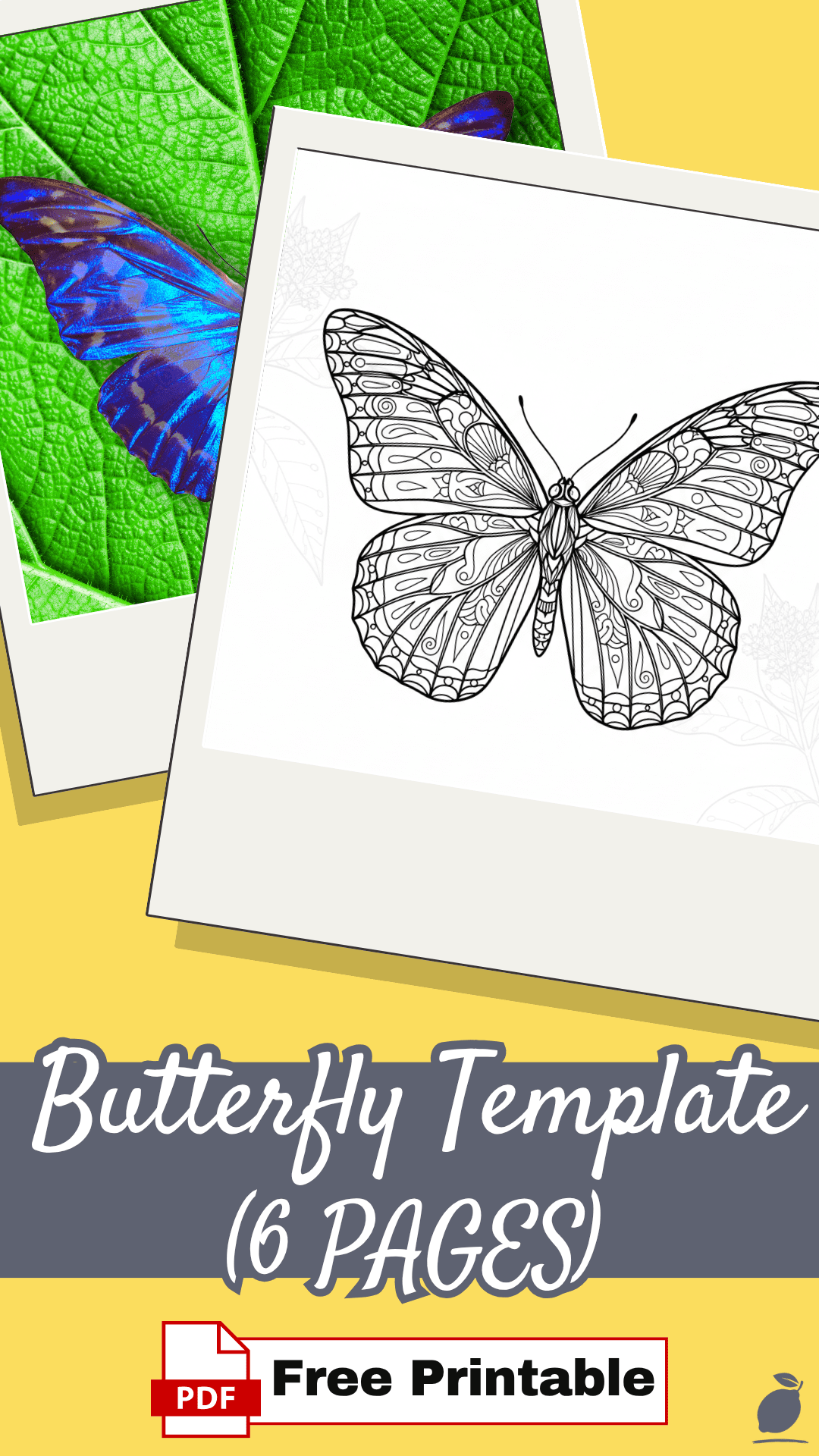
Why This System Matters
At Easy Peasy Life Matter, we believe the “Hand-to-Paper” connection is the ultimate antidote to 2026’s digital burnout. When you use the butterfly template to write down your thoughts, you are engaging in a process called “neuro-motor anchoring.” This physical movement stimulates the reticular activating system (RAS) in your brain, which filters out unnecessary information and highlights what truly matters.
This system matters because it provides an immediate reduction in cortisol. Digital lists are infinite and often overwhelming, but a butterfly template has physical boundaries. It forces you to prioritize. By pinning your thoughts to the page, you stop the “mental loop” of remembering, which frees up significant cognitive energy for actual deep work and creativity. Reduced stress is a natural byproduct of knowing exactly where your ideas live.
FAQ
What is the best paper size for the butterfly template?
While the butterfly template is optimized for US Letter (8.5″ x 11″), it scales beautifully to A4 or A5. If you are using a disc-bound planner, printing at A5 allows you to keep the template as a central “dashboard” that you can move from week to week.
Can I use the butterfly template on my iPad?
Absolutely. You can import the PDF directly into apps like GoodNotes or Notability. This allows you to enjoy the symmetry of the butterfly template while maintaining a 100% digital, paperless ecosystem. Use a matte screen protector to replicate the tactile feel of paper.
What pens do you recommend for the best finish?
To maintain the minimalist, premium tone of the brand, I recommend using a 0.5mm felt-tip liner or a fountain pen with quick-drying ink. This ensures that your butterfly template remains smudge-free and looks as professional as the strategy it contains.