The basement had been on the list for three years. Not the urgent list, the one with the leaky tap and the broken gate latch, but the longer, vaguer list of things you mean to do with your home when you finally have the time and the vision. In practice, it was a room we walked past rather than into: a concrete floor, a single bare bulb, a treadmill nobody used, and a collection of boxes that had been “temporarily” stored there since the move. Every so often, one of us would stand at the top of the stairs, look down, and quietly close the door again. It was not a room. It was a deferral.
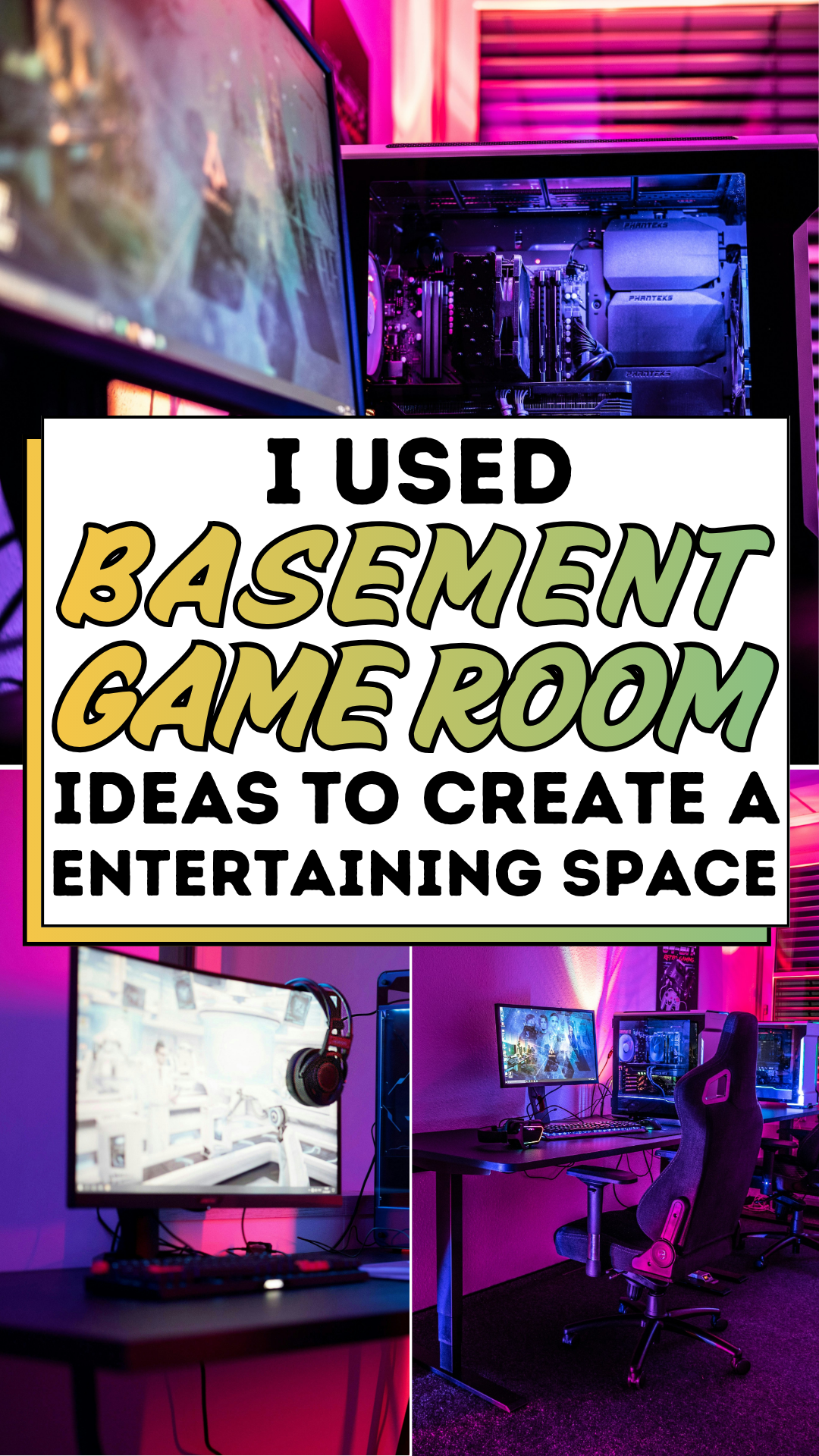
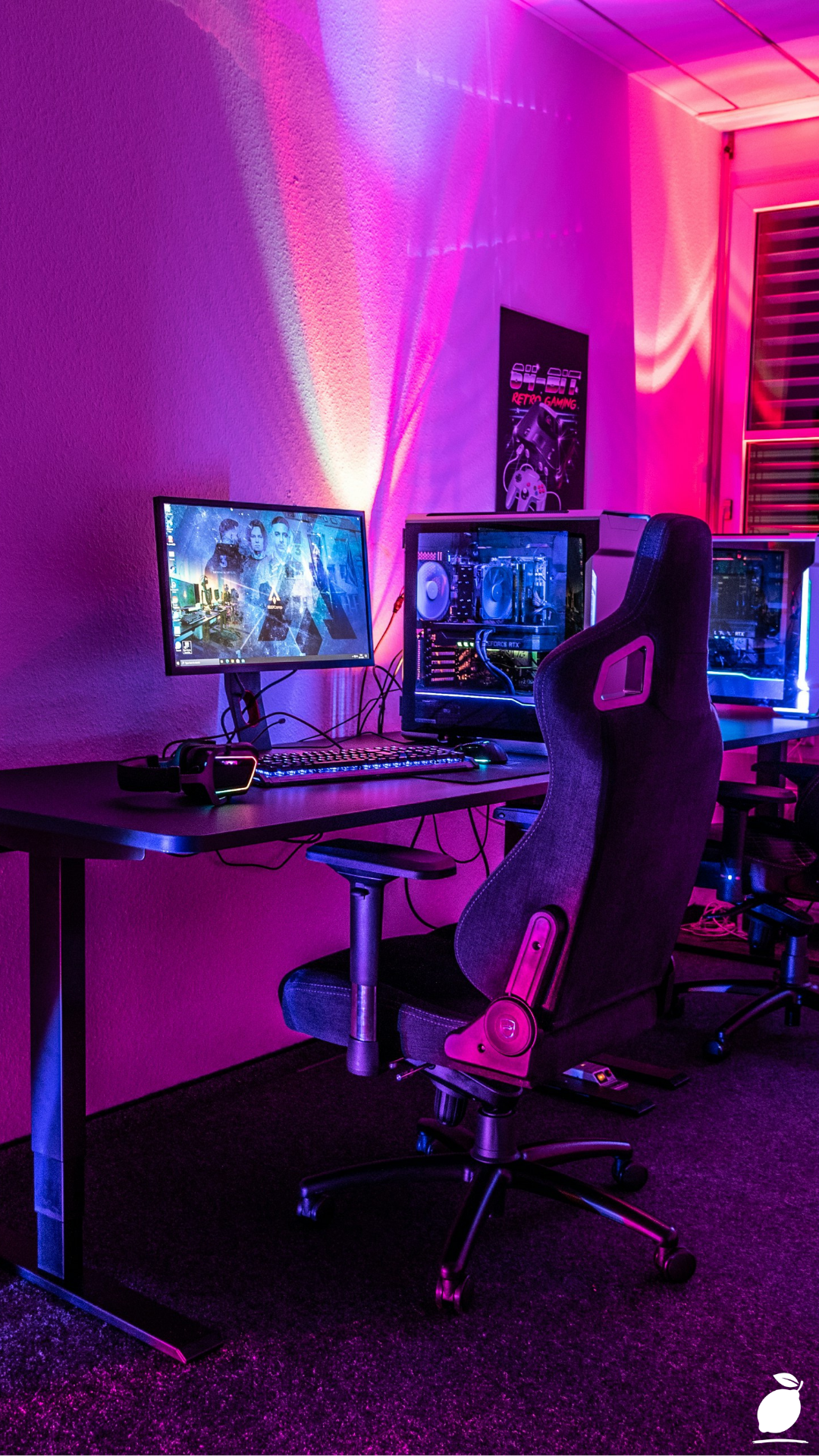
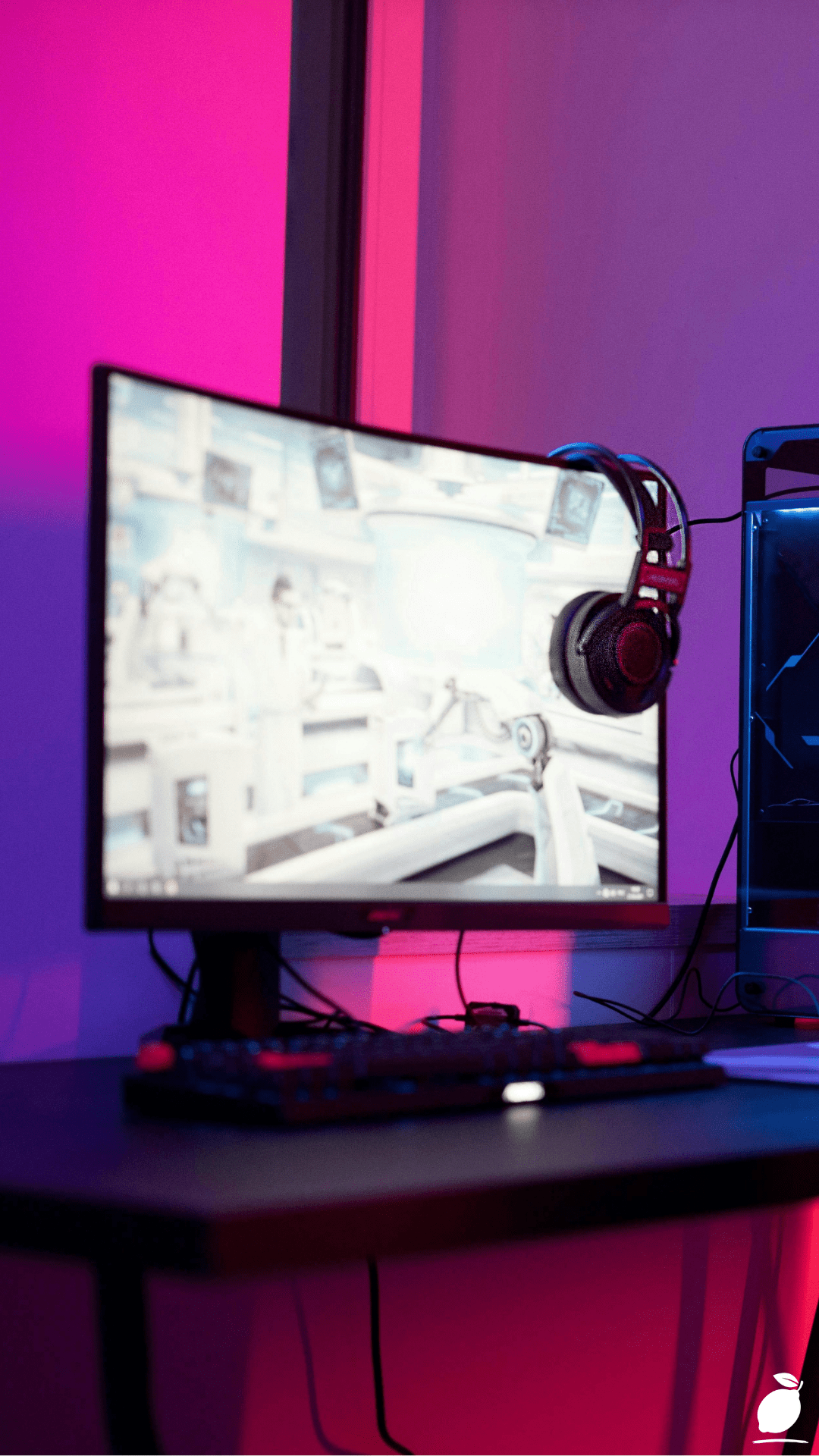
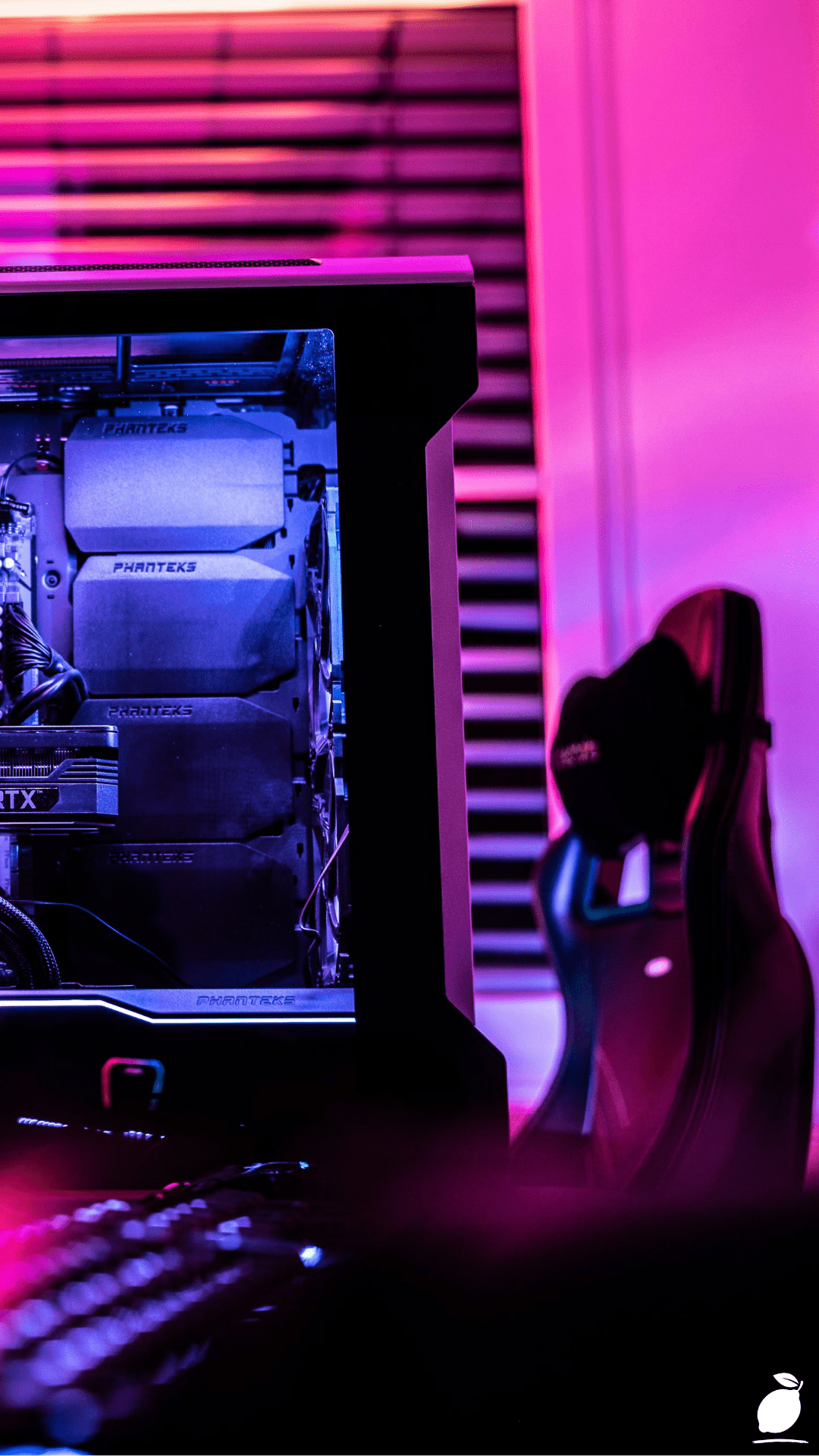
What broke the cycle was seeing a gaming setup that stopped me mid-scroll. Not because I am a hardcore gamer, I am not but because of what the image communicated about what a basement space could actually feel like. A curved monitor glowing on a black desk. A sleek gaming chair with blue padding. Behind the setup, vertical neon panels cast a gradient of pink, purple, and blue across the back wall, with the transparent side panel of a black gaming case catching the light. The room looked dramatic, intentional, and alive. It looked like somewhere a person would actively choose to spend time. That is all it took: proof that the right game room ideas, applied to a blank basement space, could produce something genuinely extraordinary.
This guide documents the exact game room ideas I used to plan, design, and build an entertaining space from that starting point from the structural decisions that set the room up for success to the lighting and furniture choices that give it atmosphere. Whether your space is a basement, a spare room, a garage, or a converted attic, this will give you a clear sequence and a result that far exceeds what most people imagine is possible in an underused room.
The Game Room Ideas Blueprint
The best game room ideas share one quality: they treat the space as a designed environment rather than a collection of equipment in a room. Work through these steps in sequence, and the result will feel intentional from every angle, a standard that the best game room ideas always meet.
Step 1: Define the Room’s Primary Function
Before implementing any game room ideas, decide exactly what the space needs to do. A room built around a single gaming station has different requirements from one designed to accommodate multiple players, casual seating for spectators, a secondary screen for streaming, or a combination of gaming and general entertainment. Write down the list of activities the room needs to support and assign each one a zone on a rough floor plan. This single planning step prevents the most common failure mode in a room that tries to do everything and ends up doing nothing particularly well.
Step 2: Treat the Walls and Ceiling as Part of the Design
In most game room ideas, the walls are where the atmosphere is created. A bare concrete or white-painted basement wall is a blank canvas that can become dramatically different with the right treatment. Dark paint, deep charcoal, navy, or matte black, is the foundation that makes neon and RGB lighting perform at its best. Paint the ceiling the same dark tone to create a sense of enclosure and immersion. If budget allows, acoustic foam panels in a grid arrangement on the rear wall add sound absorption alongside visual texture, a practical and aesthetic win that the best game room ideas address simultaneously.
Step 3: Plan the Lighting in Layers
Lighting is the single element that separates a great gaming setup from an average one, and the best treat it as a design discipline rather than an afterthought. Plan three layers: ambient lighting for general illumination (recessed ceiling lights on a dimmer are ideal), task lighting for the desk area (a monitor light bar or angled desk lamp), and accent lighting for atmosphere, the vertical neon RGB panels, LED strips behind the monitor, and internal case lighting that creates the gradient drama visible in the image above. Each layer serves a different function, and together they give you complete control over the room’s mood from a fully lit work session to a fully immersive gaming atmosphere.
Step 4: Choose the Right Gaming Chair and Desk Configuration
For the core furniture, the desk and chair are the decisions that most affect daily comfort and long-term usability. A gaming desk should be wide enough to accommodate a curved or ultrawide monitor without the screen overhanging the edges, with a minimum of 140cm width for a single curved monitor, wider for a multi-monitor setup. The chair should provide genuine lumbar support and adjustable armrests at desk height; a chair that looks the part but fails to support a three-hour gaming session undermines every other design decision in the room. Choose a function first, then match the aesthetic to the room’s colour scheme.
Step 5: Build Your RGB and Neon Lighting Setup
The vertical neon gradient panels behind the setup in the image are among the most impactful individual elements for transforming a plain wall into a visual statement. LED neon flex panels are available in a wide range of colours and can be arranged in vertical strips, geometric patterns, or custom shapes, depending on the wall space available. Position them at a height that frames the monitor from behind without creating screen glare, typically starting at desk height and extending to the ceiling. Pair with an RGB LED strip run along the back edge of the desk and behind the monitor for a layered glow effect that gives the setup its signature look.
Step 6: Manage Cables and Peripherals Deliberately
Cable management is one of the most overlooked, and it is the difference between a setup that looks professionally finished and one that looks like a work-in-progress. Use cable raceways along the desk edge and wall, velcro cable ties to bundle runs together, and a cable management tray under the desk to keep the floor clear. Route power strips inside the desk cavity or in a dedicated cable management box. A headset stand, a controller holder mounted to the desk edge, and a small tray for other peripherals keep the desk surface clean and reinforce the intentional aesthetic that the best game room ideas require.
Step 7: Add Comfort and Social Elements for a Complete Entertainment Space
Those who stop at the gaming station miss the opportunity to make the space genuinely entertaining for more than one person. Add a secondary seating area, a sofa or two bucket seats arranged to face a second screen or a console gaming setup, and ensure there is ambient lighting that works for social viewing as well as solo gaming. A mini fridge, a dedicated snack shelf, and good acoustic treatment make a game room usable for long sessions without trips to the main house. These finishing touches are what turn a gaming corner into a destination room that people actually choose to spend time in together.
Expert Secrets for Success
Pro-Tips for a Better Result
- Use a bias light behind your monitor. An LED strip fixed to the back of the monitor and set to a warm white or matching colour temperature reduces eye strain significantly during long sessions. It is one of the simplest additions that makes a measurable difference to comfort and is invisible when not in use.
- Match your RGB colour scheme to two colours maximum. The pink-to-blue gradient in the featured setup works because it is a controlled palette. Three or more competing RGB colours create visual chaos rather than atmosphere. Choose two complementary tones and apply them consistently across panels, strips, and peripheral lighting.
- Invest in acoustic treatment before audio equipment. A hard-walled basement with no acoustic treatment will make even premium speakers sound hollow and echoey. Rugs, acoustic panels, and soft furnishings should come before any speaker upgrade in the priority list, as they cost less and deliver more perceivable improvement.
- Put all lighting on smart switches or a single remote. Being able to shift from full-brightness working light to full-immersion gaming mode with one tap or voice command is a quality-of-life upgrade that transforms how the room is actually used. Smart lighting systems integrate seamlessly with most modern game room ideas setups and cost relatively little to implement.
- Use a dark desk mat across the full desk surface. A full-desk extended mouse pad in matte black unifies the surface, protects the desk, improves mouse tracking, and makes the entire setup look finished and intentional at a cost of under £30. It is one of the highest-impact-per-pound available.
Common Mistakes to Avoid
- Buying a gaming chair based on looks alone. Chairs designed primarily for aesthetics often provide poor ergonomic support. A chair you can sit in comfortably for four hours is worth more than any visual upgrade in the room. Test before buying, or choose from brands with verified lumbar and height adjustment systems.
- Placing the monitor in front of a light source. A window or bright overhead light behind the screen creates glare that defeats every other display investment. Position the monitor so natural light falls to the side, and control overhead ambient light with dimmer switches rather than switching between fully lit and fully dark.
- Underestimating power requirements. A gaming PC, multiple monitors, neon panels, RGB lighting strips, audio equipment, and a mini fridge draw significant power. Plan dedicated circuits if the room is being built out from scratch, and use surge-protected power strips rated for the combined load. Overloaded circuits are a safety issue that no amount of aesthetic game room ideas can compensate for.
- Skipping soundproofing in a shared home. A basement game room without acoustic consideration will transmit sound through the ceiling into the rooms above. Bass from speakers and the mechanical noise of a gaming PC are the most significant issues. Bass traps in the room corners and a solid-core door at the basement entrance address most of the problem at reasonable cost.
- Over-cluttering the desk surface. A desk covered in accessories, figures, drinks, cables, and peripherals undermines the clean, professional aesthetic that a high-end setup requires. Keep the desk surface to the essentials: monitor, keyboard, mouse, headset, and stand, and store everything else.
Why Game Room Ideas Matter
A dedicated space for play is not a frivolous home investment. Multiple studies in environmental psychology and leisure research support what intuition already suggests: having a physical space in your home where you are permitted to switch off from work, responsibility, and obligation, and genuinely play is associated with lower stress levels, better sleep quality, and higher reported life satisfaction. The keyword in that research is “dedicated.” A gaming setup in a corner of the bedroom or a laptop on the kitchen table does not provide the same psychological effect as a room that has been designed specifically for enjoyment. The act of walking into a space that exists for leisure activates a mental state change that a multi-purpose room simply cannot provide.
For families and households, a well-designed game room creates something beyond personal benefit. It gives the household a shared destination, a place where different people with different gaming preferences can converge, where competitive and cooperative play can happen in a setting that feels genuinely appropriate for it, and where the culture of the household can find expression in something built and designed together. Applying these game room ideas as a household project, deciding on the lighting together, debating the chair, and choosing the colour scheme is a creative and collaborative act that produces a room everyone feels ownership over.
And for the person who has spent three years walking past a closed basement door, the completion of a project like this carries a significance that goes beyond the room itself. You made a decision, you followed a plan, and you turned a space that was costing you nothing but guilt into a room that actively improves your home and your quality of life. That is what the right game room ideas ultimately deliver: not just a better gaming setup, but evidence that the spaces in your home can always be made into something better than they currently are.
Frequently Asked Questions
What are the best game room ideas for a small basement space?
In a compact basement, the most effective prioritise vertical space and dark-painted walls. A single curved monitor takes up less visual footprint than a multi-monitor array. Wall-mounted neon panels and floating desk shelves free up floor space. A single high-quality gaming chair rather than a secondary sofa keeps the layout tight and purposeful. The key principle for small spaces is doing one thing excellently rather than several things adequately.
How much does it cost to build a game room from scratch?
A functional and visually impressive basement built around solid game room ideas can be built for between £800 and £2,500, depending on the existing condition of the space and the quality of equipment chosen. The largest cost variables are the gaming PC or console, the equipment side of game room ideas, the monitor, and the chair. The lighting, desk, cable management, and wall treatment elements that create the atmosphere in the best game room ideas are often the most affordable parts of the project. Neon RGB panels, LED strips, and a full-surface desk mat together typically cost under £200.
Do I need a gaming PC for a game room setup, or will a console work?
A console-based game room is equally valid and often more social. A large TV rather than a PC monitor, a sofa seating arrangement rather than a desk chair, and a second controller holder alongside the headset stand all translate the same game room ideas seamlessly into a console-first setup. The lighting, acoustic treatment, cable management, and dark-wall principles apply identically regardless of the platform. Many of the most successful basement game room setups combine a PC station for solo gaming with a console and sofa setup for multiplayer sessions in the same room.
What is the best lighting for a game room?
The most effective game room lighting combines three layers: recessed ceiling lights on a dimmer for ambient brightness, a monitor bias light for eye comfort during play, and RGB accent lighting, neon panels, LED strips behind the monitor, and PC case lighting for atmosphere. Smart bulbs on a single app or voice assistant allow all three layers to be adjusted simultaneously. The pink-to-blue gradient neon panel setup in the featured image is one of the most visually dramatic implementations of this layered approach and can be replicated with off-the-shelf LED neon flex panels for under £100.
How do I soundproof a basement game room on a budget?
The most cost-effective soundproofing approach for a basement game room combines a solid-core door with a door sweep at the base (which addresses the largest sound transmission gap), a large area rug on the floor (which absorbs mid and high frequencies), and acoustic foam panels on the wall behind the primary seating or monitor position. Bass traps in two or four corners address low-frequency sound transmission, the final detail separating good game room ideas from great ones. Together, these measures cost between £100 and £300 and reduce sound transmission sufficiently for most shared-home situations without requiring structural work.